Here is how to learn JavaScript: study one concept at a time, write small programs yourself, and build projects that use what you have learned. Start with variables, functions, arrays, and objects, then move to web-page interaction, asynchronous code, and larger projects.
Key Takeaways
- Learn basic HTML and CSS alongside browser JavaScript.
- Use one main course and one reference instead of collecting tutorials.
- Practise by recalling, changing, debugging, and rebuilding code.
- Treat the 30/60/90-day plan as a flexible schedule, not a job guarantee.
- Build useful projects you can explain without a tutorial open.

1. How to Learn JavaScript with a clear goal
JavaScript is a programming language used to add behaviour to websites. It can respond to clicks, validate input, filter lists, and load data without reloading an entire page. With runtimes such as Node.js, it can also run outside the browser.
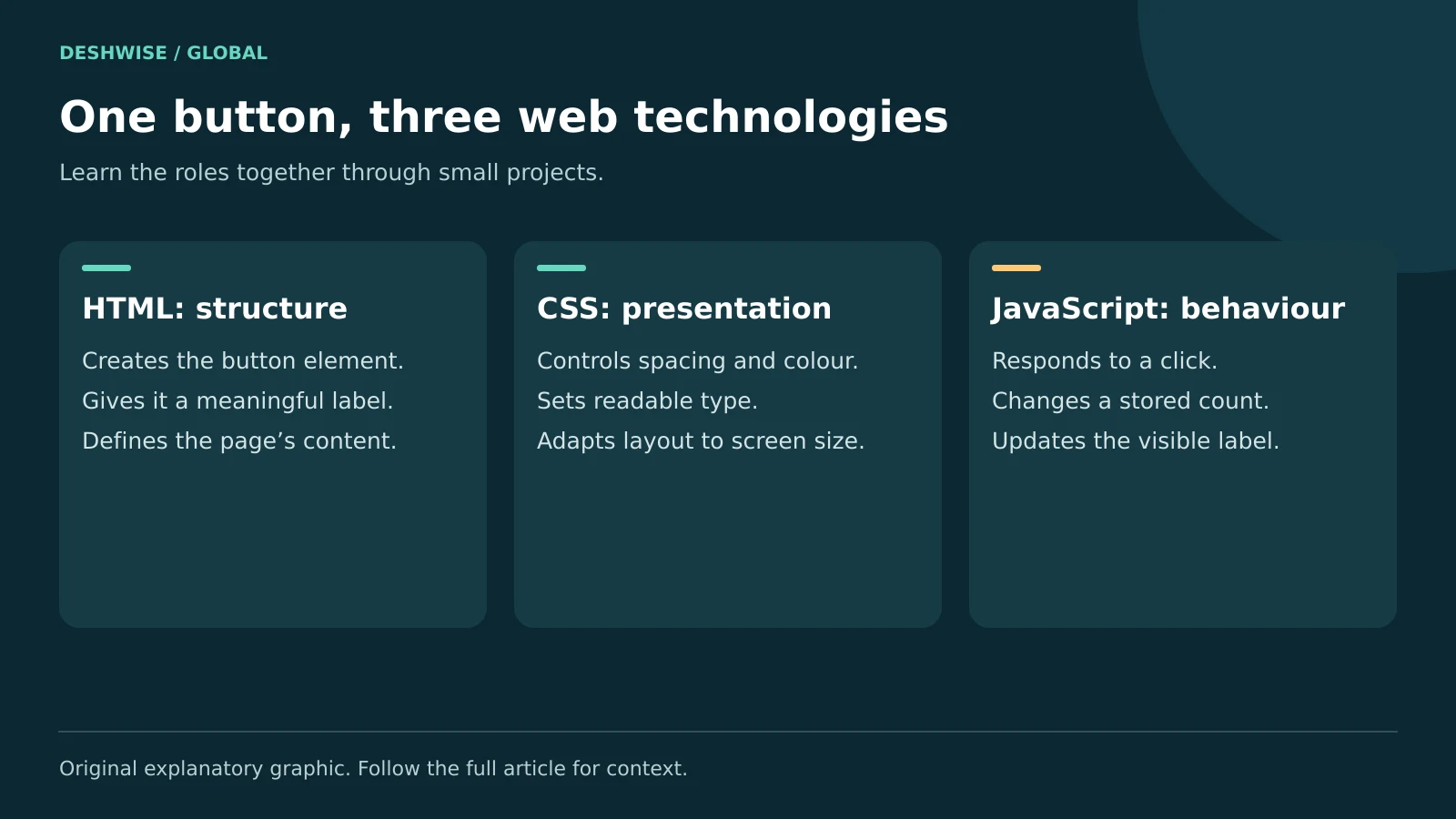
HTML gives a page structure. CSS controls presentation. JavaScript changes behaviour and data. A button with a clear label needs HTML; its appearance needs CSS; an action such as updating a total can use JavaScript.
Choose an initial goal small enough to finish: a study timer, expense tracker, quiz, or article filter. Becoming a full-stack developer can be a later direction. Your first goal should tell you what to practise this week.
You do not need advanced mathematics for most beginner web projects. You do need patience with errors, careful reading, and a willingness to test assumptions. Looking up syntax is normal; understanding why the code works is the skill to develop.
JavaScript and Java are different languages despite their names. TypeScript builds on JavaScript by adding a type system and related tooling. Learn the underlying JavaScript behaviour before expecting types or frameworks to solve confusing fundamentals.
2. Set up a simple learning environment
Start with a current browser, a text editor, and a folder for your work. Browser developer tools provide a console for experiments and error messages. You do not need a paid editor or powerful gaming computer for basic lessons.
Create three files when you begin building pages: index.html, style.css, and script.js. Link them together and keep the first page small. A deferred external script is one simple way to run code after the HTML has been parsed.
<button id='count' type='button'>Count: 0</button>
<script src='script.js' defer></script>
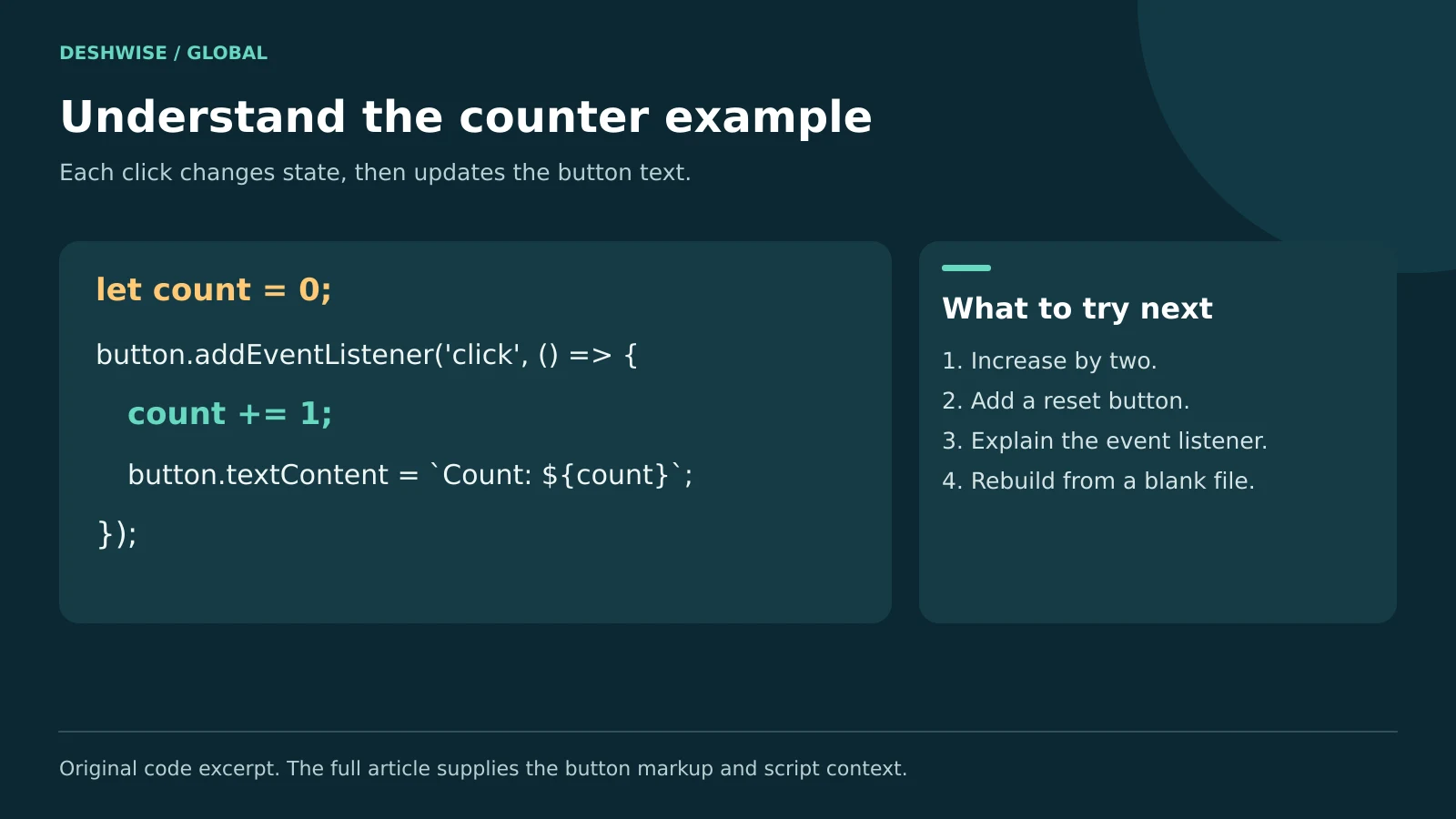
let count = 0;
const button = document.querySelector('#count');

button.addEventListener('click', () => {
  count += 1;
  button.textContent = `Count: ${count}`;
});
Put the HTML in index.html and the JavaScript in script.js. Open the page and press the button. Then change the increment to two and add a reset button yourself. That small extension turns copying into an exercise.
If you have only a phone or tablet, an online editor can support early practice. Use a physical keyboard if available, save backups, and check whether your work is public. A computer becomes more convenient for larger projects, but it is not necessary to postpone every first lesson.
Read unfamiliar commands before running them, especially installation or account-access commands.
3. Learn the fundamentals in a useful order
Values, variables, and decisions
Learn strings, numbers, booleans, null, and undefined. Use const when you do not reassign a variable and let when you do. Remember that a const object can still have changeable properties.
Practise comparisons and conditions with real rules: whether a task is overdue or whether a cart qualifies for a discount. Use strict equality, ===, by default while learning, and study why a text value and a number are different even when they look similar.
Functions, arrays, and objects
A function takes an input, performs work, and may return an output. Separate calculating a result from displaying it. A function that returns a total is easier to reuse than one that always writes directly to a page.
Use arrays for ordered collections and objects for related named properties. A reading list can be an array of objects containing a title, category, and completion state. Practise loops, then useful methods such as map, filter, and find.
Scope, errors, and modern syntax
Learn where variables are available and how function calls pass values. Cover template literals, destructuring, modules, and arrow functions after basic functions feel familiar. Do not memorise every array method before building anything.
Use MDN's JavaScript learning material for a structured foundation. Read a short explanation, then close it and solve a new problem that needs the same concept.
4. Follow a flexible 30/60/90-day roadmap
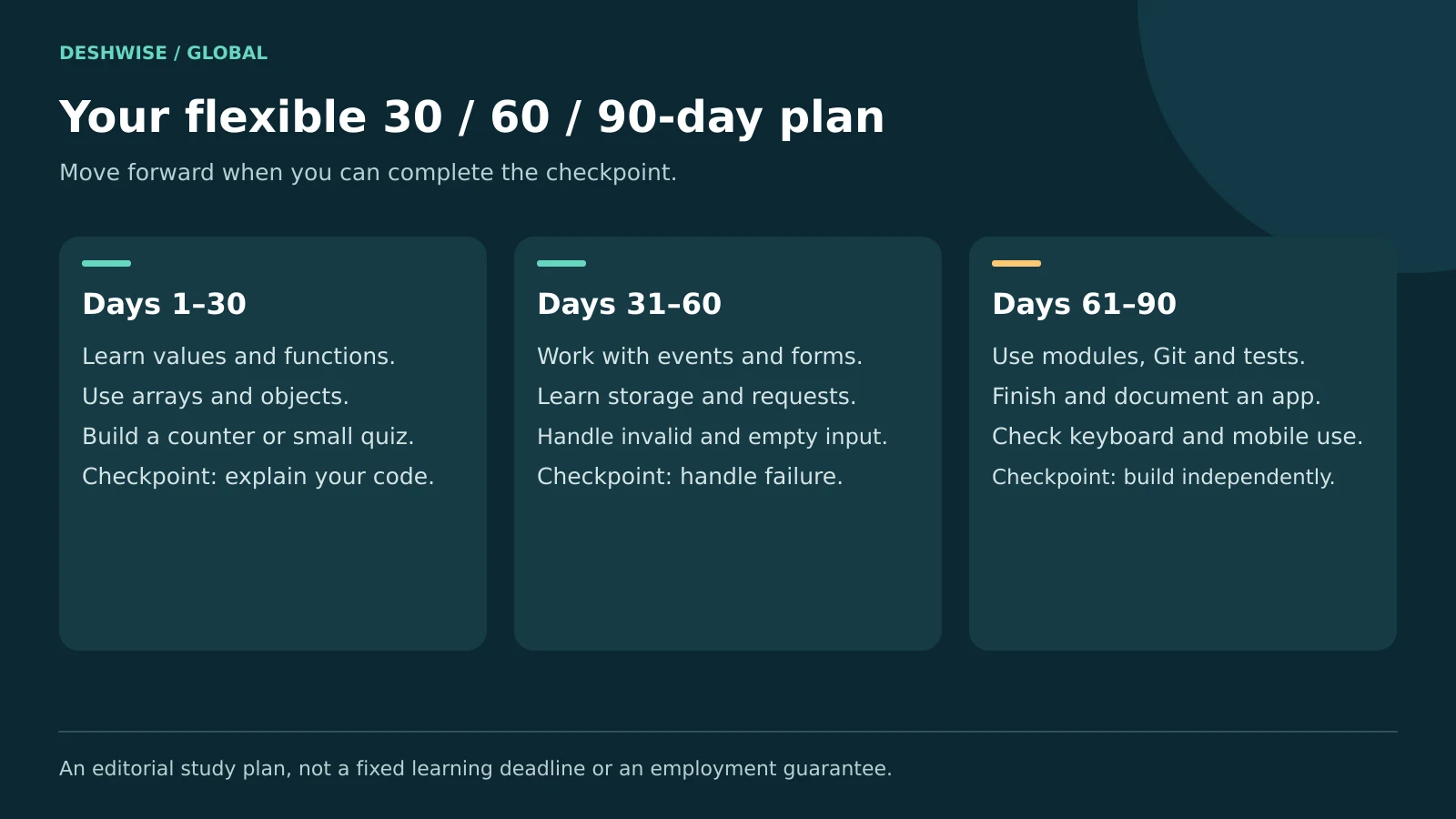
This JavaScript roadmap assumes roughly 45–90 minutes on most study days. It is a suggested workload, not a prediction of how quickly every person learns. If you have less time, stretch each phase and keep the checkpoints.
| Phase | Main focus | Work to finish | Checkpoint before moving on |
|---|---|---|---|
| Days 1–30 | Language basics and simple pages | Small functions, a counter, and a quiz | Explain and change your code without copying |
| Days 31–60 | DOM, forms, storage, and async work | Reading list or expense tracker with saved data | Handle invalid input and common failure states |
| Days 61–90 | Modules, testing, Git, and a complete project | A polished app with documentation | Rebuild a feature, debug it, and describe trade-offs |
Days 1–30: build a foundation
During the first week, set up files and refresh basic HTML and CSS. Learn variables, strings, numbers, and conditions. Write tiny tasks such as converting temperatures or checking a simple budget.
In the second week, practise functions, arrays, objects, and loops. Write a function that totals selected expenses. Test it with an empty list as well as ordinary input.
During weeks three and four, connect code to buttons and form fields. Build a small quiz with a score and a restart action. Explain where the score is stored and when it changes.
At day 30, rebuild a small exercise from a blank file. If you still need a complete tutorial beside you, repeat the topic through a smaller task. The calendar should guide practice, not push you past missing knowledge.
Days 31–60: make projects more realistic
Study DOM manipulation, events, form validation, and separating data from display. Learn JSON and browser storage. Use local storage only for suitable non-sensitive data, not passwords or private financial records.
Next, learn promises, async/await, fetch, and error handling. Build a public-data viewer using an API whose documentation permits your use. Show loading, empty, success, and error states.
Check HTTP status codes explicitly: fetch does not reject its promise simply because a server returns a 404 or 500 response. Also expect network failure and data that does not match your assumptions.
By day 60, your project should survive a blank submission and a failed request without becoming unusable. That is a better checkpoint than the number of videos watched.
Days 61–90: complete and explain a project
Split related code into modules. Learn basic Git commits and write a README describing the problem, setup, features, and limitations. Use a local development server when your project needs module or network behaviour that a simple file opening cannot provide.
Add focused tests for important calculations or transformations. Check keyboard use, mobile layout, clear labels, and visible error messages. Ask another person to use the app without instructions and observe where they get stuck.
Only then explore a framework if it supports your goal. A small finished app with clear code is more useful evidence of learning than an unfinished dashboard built from unexplained components.
5. Choose free and paid resources carefully
You can learn JavaScript free using reputable documentation and structured courses. Paid teaching can add explanations, exercises, feedback, or a learning community, but paying does not replace practice.
Strong free starting points
- MDN: clear web-platform explanations and exercises; useful as both a course and reference.
- The Modern JavaScript Tutorial: a structured text resource at javascript.info for language concepts and browser topics.
- The Odin Project: a project-focused web-development curriculum; complete its foundations before choosing a later path.
- freeCodeCamp: lessons and practice material; check the current curriculum to choose an appropriate starting point.
Pick one as your main path. Keep another open as a reference only when an explanation does not click. Switching courses every time a topic becomes difficult can reset your progress.
When a paid option makes sense
Scrimba offers interactive learning with free and paid access options. Frontend Masters offers courses and learning paths, including paid membership options. Codecademy also has course access that varies by offering and plan.
Check the current syllabus, sample lessons, accessibility, exercises, cancellation terms, and total local price. Avoid buying under time pressure.
Choose feedback over a large video library if your main problem is not knowing what you did wrong. If money is tight, finish a free beginner path and one project before deciding whether paid support solves a specific gap.
6. Practise so that the skill stays with you
Use a repeatable session rather than waiting for motivation:
- Recall yesterday's idea without reading your notes.
- Study one small new concept.
- Write an example from a blank file.
- Change the requirements or inputs.
- Test the result and record what surprised you.
For JavaScript practice, spend meaningful time writing and debugging rather than only watching. A short session producing working code can be more useful than a long playlist playing in the background.
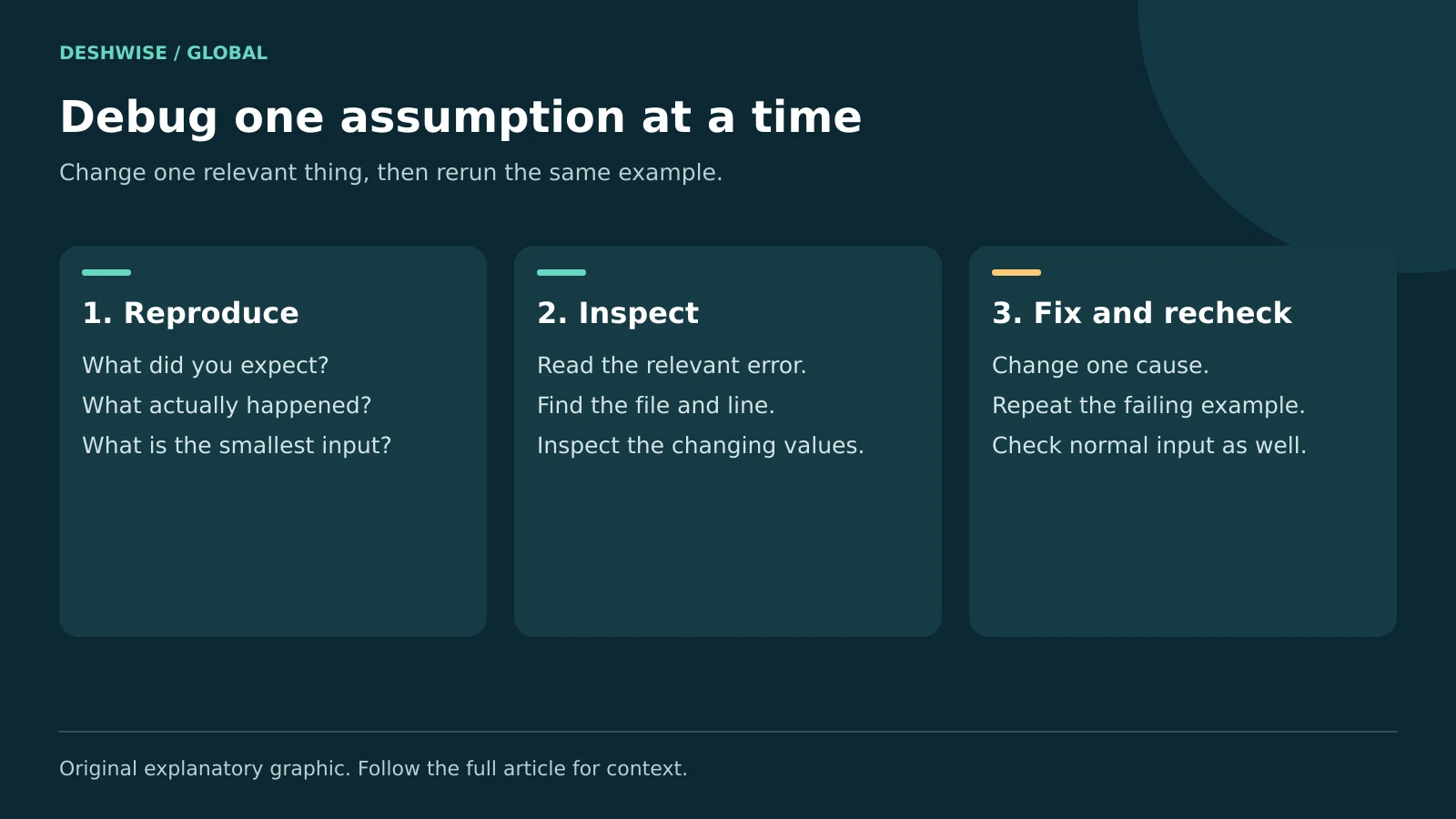
When stuck, first write what you expected, what happened, and the smallest input that shows the problem. Read the first relevant error and its line number. Inspect variables with the console or a debugger before changing unrelated code.
Keep a small error journal. Converting an input string to a number before adding is a reusable lesson. Copying an entire fixed program without understanding the change is not.
AI tools can explain errors or suggest test cases. Ask for a hint before asking for the whole solution. Check generated code against documentation, run it, and explain each important line yourself. Never send private keys, passwords, or confidential project data to a learning assistant.
7. Build beginner projects with clear finish lines
Project 1: a study timer
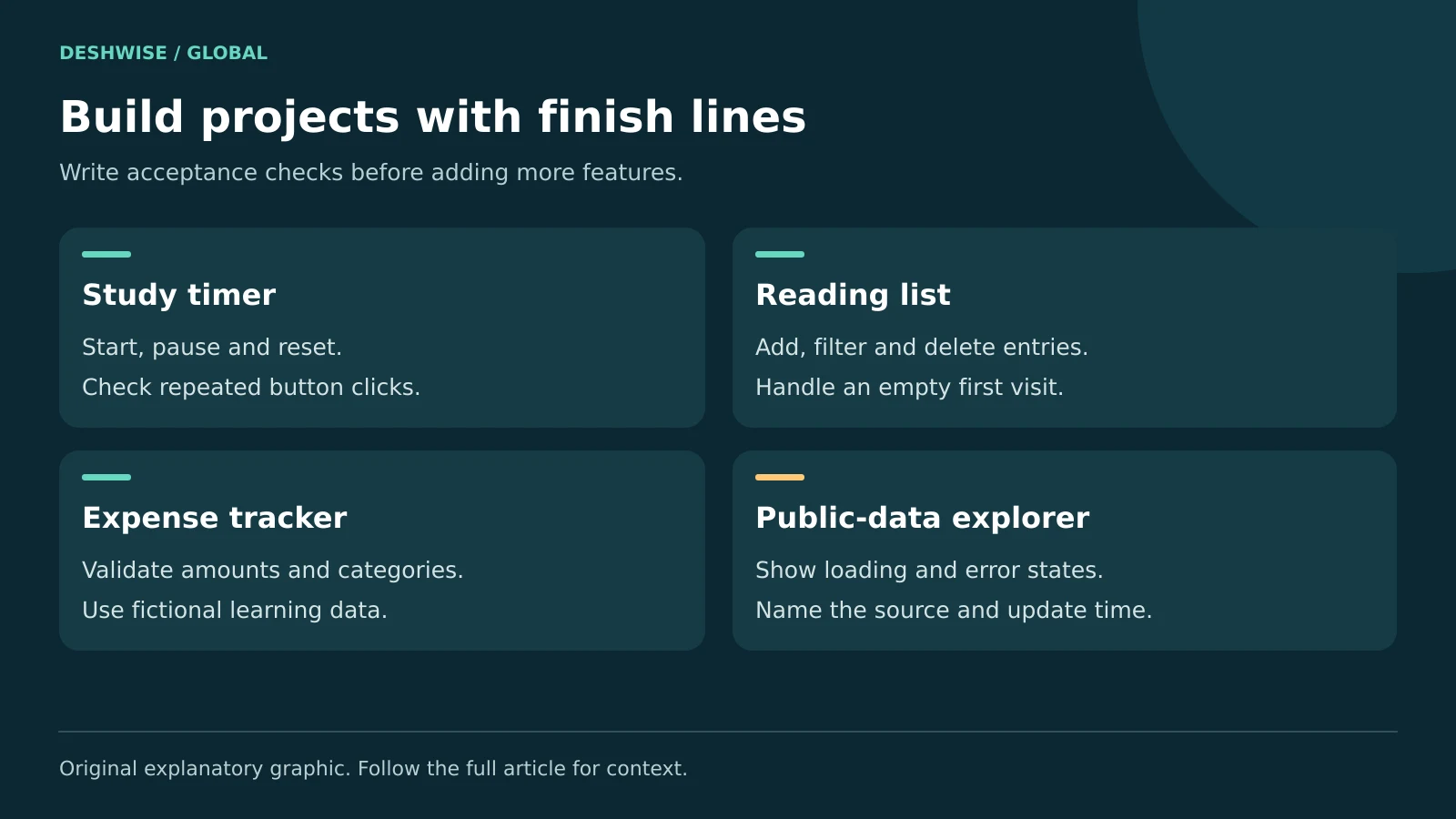
Start with start, pause, and reset controls. Keep timing state separate from button text. Test repeated clicks and resetting midway. Add a clear message when a session ends, and test whether the timer behaves sensibly after leaving the browser tab.
Project 2: a reading-list manager
Let users add, complete, filter, and delete entries. Save suitable sample data locally. Handle empty titles, long titles, and a first visit with no saved list. Use textContent when inserting ordinary user text instead of treating it as HTML.
Project 3: an expense tracker
Accept a description, amount, and category. Validate input and state which currency the project uses. Format values consistently and investigate rounding; financial software needs more care than a toy calculator. Use fictional data while learning.
Project 4: a public-data explorer
Fetch permitted data and let readers search or filter it. Show the data source and update time. Include a useful message for unavailable results and avoid implying that old cached information is live.
For each project, write five acceptance checks before coding. For example: an empty entry shows an error; deleting an item updates the total; refreshing restores saved items. These checks make “finished” concrete and give you a reason to test.
8. Avoid the mistakes that slow beginners down
Tutorial dependence: Following along can create familiarity without recall. Rebuild a feature the next day and change its behaviour.
Learning frameworks too early: If you cannot trace a normal function call or array update, a component framework adds more concepts to confusion. Strengthen plain JavaScript first.
Ignoring types and conversions: Form values are usually strings. Decide how to validate and convert them before doing arithmetic. Test zero, decimals, blanks, and invalid text.
Copying old patterns without context: Older tutorials may use var, outdated tooling, or APIs that do not match your environment. Learn to recognise them, then prefer current documentation for new work.
Hiding all errors: A broad empty catch block makes debugging harder. Give the user a helpful message and preserve enough non-sensitive diagnostic information while developing.
Publishing secrets: Front-end code can be inspected. Do not place private API keys or passwords in browser JavaScript or a public repository. Use a properly designed backend when a service requires secrets.
Troubleshooting should reduce uncertainty one step at a time. Change one relevant thing, rerun the same example, and compare the result.
9. Compare languages and choose a career direction
JavaScript vs Python is a question about goals. JavaScript is a direct fit for browser interaction. Python is widely used for scripting, data work, and backend development. Either teaches programming, but switching languages will not remove the need to practise problem-solving.
Java is a separate language often used in backend and enterprise systems. TypeScript can help larger JavaScript codebases with static checking, while SQL becomes useful when working with relational databases. Learn each when a project gives you a reason.
Possible JavaScript developer career paths include front-end development, Node.js backend development, full-stack web work, test automation, and some mobile development stacks. Each requires skills beyond language syntax.
Review entry-level roles in your target country. Note repeated requirements such as accessibility, Git, testing, APIs, and communication. Hiring and work-authorisation rules vary internationally.
Do not treat a 90-day schedule, certificate, or portfolio as a guaranteed job offer. Measure readiness by whether you can build, debug, explain, and improve useful software. Keep learning from code review and real user feedback.
10. Frequently asked questions
How long does it take to learn JavaScript?
The time depends on your starting point, study schedule, and goal. A few months of regular practice can build a useful foundation, but professional work requires deeper skills and continued learning. Use milestones such as building a project independently rather than treating any fixed number of days as a guarantee.
Can I learn JavaScript without knowing HTML and CSS?
You can study language basics in a console without HTML or CSS. However, browser projects become much easier when you understand page structure and basic styling. Learn enough to create forms, buttons, and readable layouts, then develop the three skills together through small interactive projects rather than delaying all coding.
What is the best free way to learn JavaScript?
Choose a structured free path such as MDN or The Odin Project, then build small projects beside the lessons. Use a reference when you need another explanation. The most useful resource is one you complete actively, with exercises and independent work, rather than a collection of bookmarks you rarely practise.
Should I learn JavaScript or Python first?
Choose JavaScript if your main goal is interactive websites. Python may fit better if you want to begin with scripting or data tasks. Both can teach programming concepts. Pick the language that serves your first realistic project, and give yourself enough consistent practice before deciding that changing languages is necessary.
Can I learn JavaScript on a mobile phone?
Yes, early exercises and small browser projects are possible through online editors or suitable mobile tools. Typing, file management, and debugging become harder as projects grow, so a keyboard and later access to a computer help. Save backups and check an editor's sharing settings before adding any personal information.
When should I learn React or another framework?
Start when you can write functions, work with arrays and objects, handle events, update the DOM, and manage basic asynchronous requests. You do not need to master every language feature first. However, you should be able to explain a small plain-JavaScript project before adding a framework's structure and conventions.
11. Your next step
The practical answer to how to learn JavaScript is to build a small habit around useful code. Choose one course, make the counter example work, and add one feature without copying. Follow the roadmap at your own pace, using completed projects and clear explanations to judge progress.